A 28-second look at building and adjusting intervals, exploring patterns, riding with a smart trainer and exporting your workouts.
Genuine iPad footage with captions. This preview is silent. Explore the full walkthroughs below.
STUDIO ON IPAD
Build it. Then ride it.
A genuine iPad walkthrough: shape your intervals, explore patterns, save your workout and ride with a connected smart trainer.
Actual TestFlight app footage. Trainer compatibility and available metrics depend on your equipment.
SEE STUDIO IN ACTION
A session, from the inside.
Watch a genuine Mac screen recording of Sunset Workout Studio. This two-minute demonstration is silent.
Actual Mac app footage. The Mac version is awaiting App Store review.
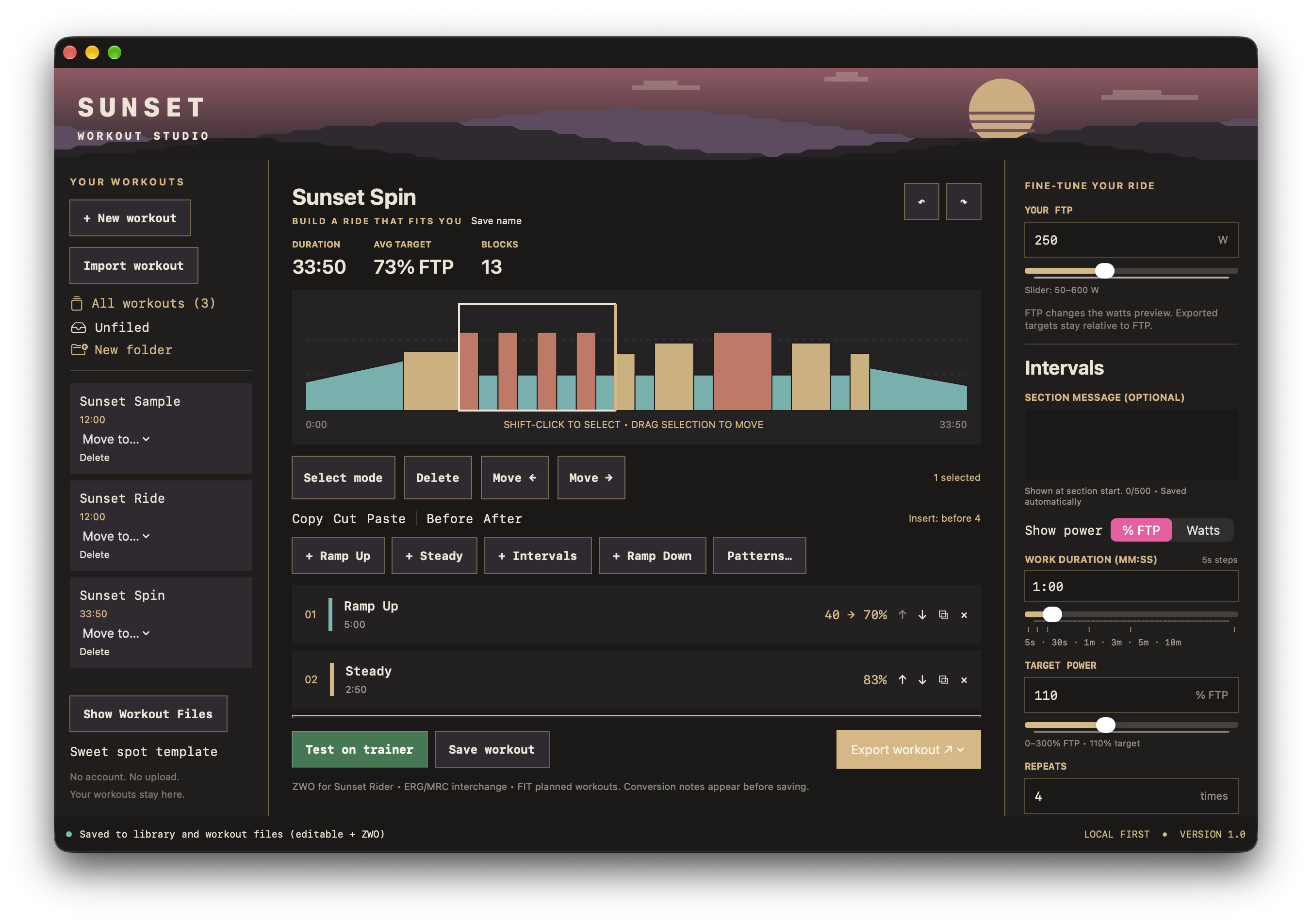
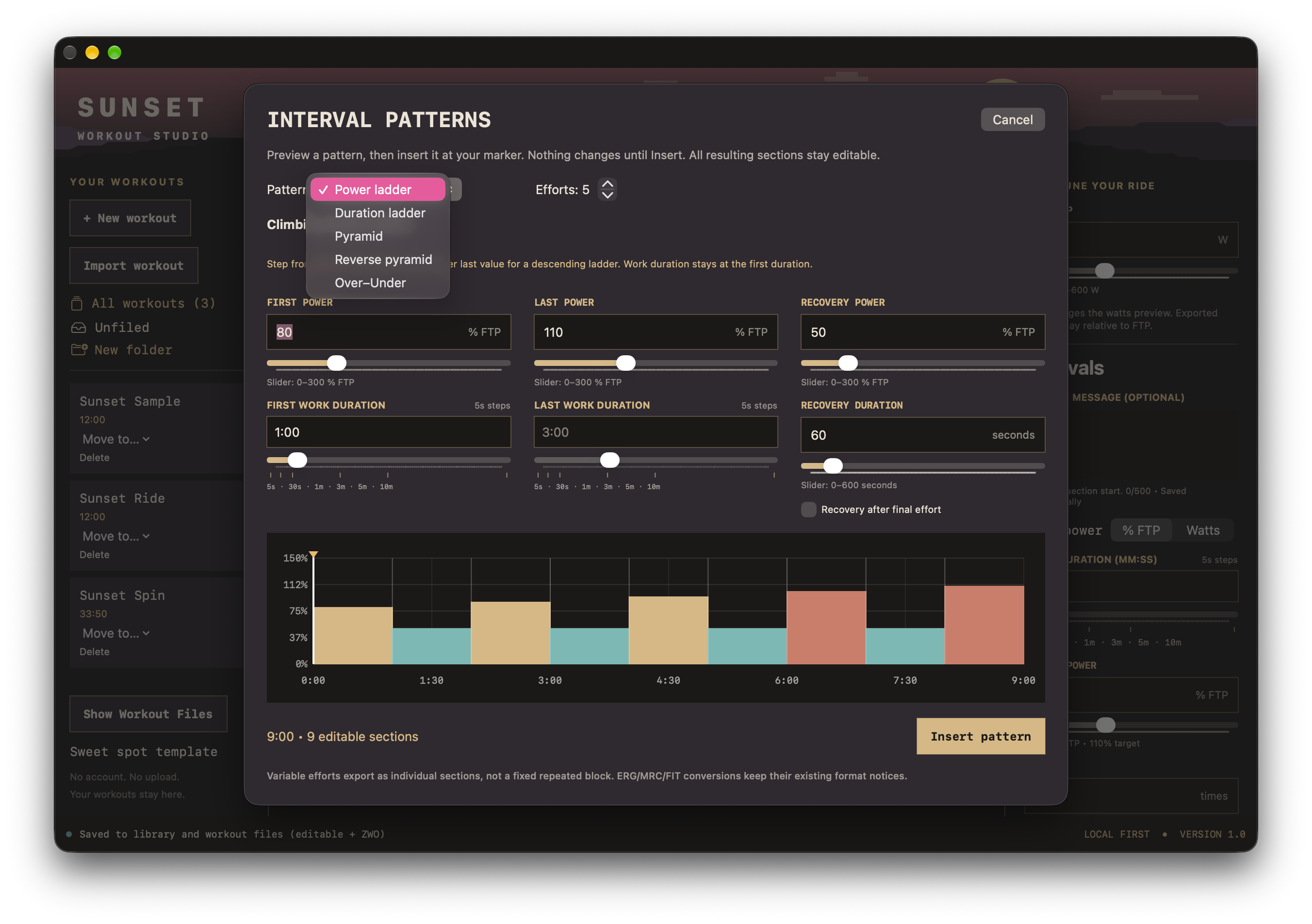
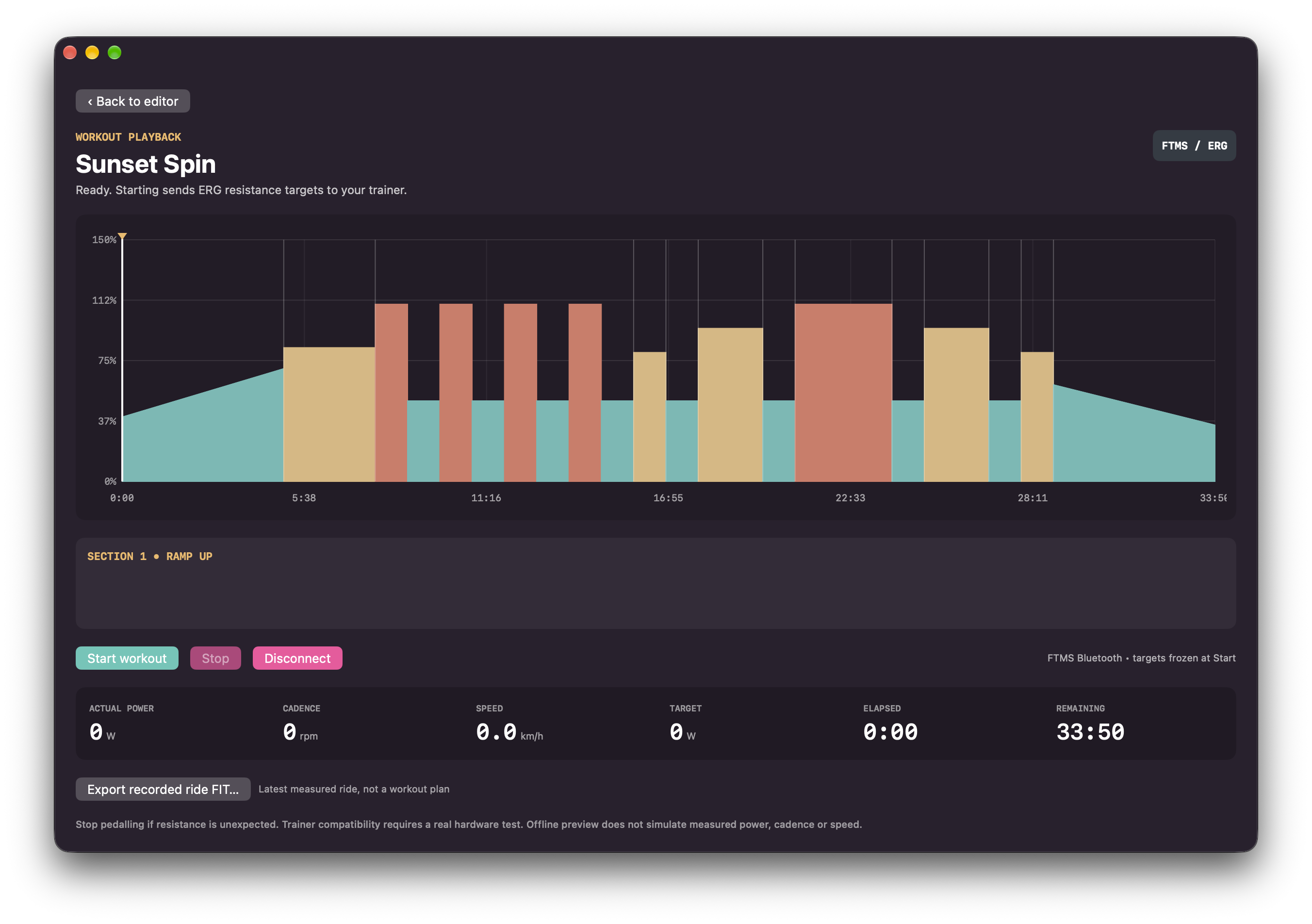
Build and arrange your session · Actual Mac app screenshot. Open image to view full size.Create editable interval patterns · Actual Mac app screenshot. Open image to view full size.Ready to ride · Actual Mac app screenshot before starting a session. Open image to view full size.
CREATE · ARRANGE · RIDE
Less setup. More control.
01
Shape your workout.
Build a session from steady efforts, ramps and repeated intervals. Create power or duration ladders, pyramids and over-unders. Adjust duration with tactile sliders, or type an exact value when precision matters. See your edits reflected as you adjust them.
02
Move more than one.
Select and rearrange sections in the visual timeline or section list. Move a whole selection together, copy, cut and paste, or use movement controls instead of dragging. Undo and redo let you explore changes.
03
Leave yourself a cue.
Add an optional message to a section, so your next effort comes with a reminder. Keep your training cues alongside the workout you created.
04
See the session unfold.
Switch from editing to a dedicated workout playback view. Follow the moving playhead, interval targets and session metrics, then return to the editor.
05
Bring your trainer.
Preview a workout offline or connect a compatible Bluetooth FTMS smart trainer to test it. Trainer control and available metrics depend on the device and its supported capabilities.
06
Keep your work.
Organise sessions into folders in your workout library and save workout files you can find outside the app. Revisit a favourite session and make it your own.
YOUR WORKOUTS. YOUR FILES.
Built to go beyond the editor.
Create here, keep a copy, and take compatible workouts into your training setup.
Import and export.
Work with ZWO, ERG and MRC workouts, and export planned workouts in FIT format. Save and reopen an editable Studio workout file to keep working on your session later. Recorded activities can be exported as FIT files too; FIT workout import is not supported.
One file doesn’t mean identical support.
Workout features vary between file formats and destination apps. Messages, cadence targets, ramps and repeated sections may be converted or supported differently. Check the exported workout in the app or device you’ll use.
Compatible ZWO workouts can also be imported into Sunset Rider. Not every editor feature or message is guaranteed to transfer to every player.
AVAILABLE NOW FOR IPAD
Your next session. Start building.
Sunset Workout Studio is now available for iPad on the App Store. Buy once, with no subscription. The Mac version is awaiting App Store review and is not yet available to purchase. Trainer compatibility and available metrics depend on your equipment.